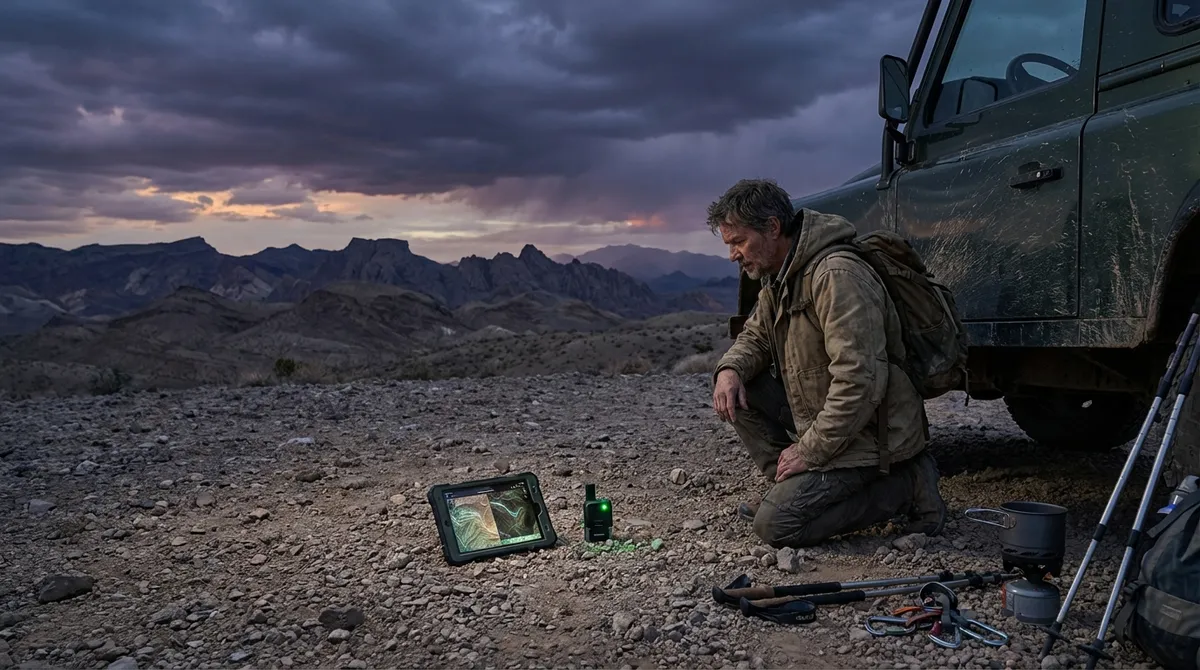
When you’re working out of bus stations, basement Airbnbs, and cafés with more plants than power outlets, “nice-to-have” tools don’t cut it. You need gear and apps that hold up when the Wi‑Fi is lying, the power blinks, or you’ve got 20 minutes to send a client deliverable before boarding starts. This isn’t a fantasy setup—this is about a realistic, road-tested digital stack that keeps you earning even when everything around you is chaos.
Below are five essential, experience-based tips to dial in your digital tools so they work with your nomad life instead of becoming one more thing you’re babysitting.
1. Build a Two-Layer Internet Strategy (Not Just “Find Good Wi‑Fi”)
If your plan is “hope the Airbnb Wi‑Fi works,” your plan is to miss deadlines.
Your internet setup should have two layers: primary connectivity and a backup that you can switch to in under a minute. Primary is usually decent Wi‑Fi (Airbnb, coworking space, long-stay hotel). Backup should be something you control: an unlocked phone with an eSIM data plan, a physical SIM, or a dedicated hotspot device. The point isn’t blazing speed—reliability wins. If you can upload docs, join audio-only calls, and respond to email, you’re covered for 80% of disasters.
Get comfortable using Wi‑Fi calling and turning your phone into a hotspot as second nature. Before big calls, run a speed test on both Wi‑Fi and mobile data. If café Wi‑Fi is wobbling, default to your own connection instead of hoping it stabilizes. In some regions, one local carrier is dramatically better than the others; check nomad communities and coverage maps before you land, then choose your eSIM or SIM accordingly.
2. Choose Tools That Work Offline First, Cloud Second
The cloud is great until you’re on a 10‑hour train with no signal and a client begging for revisions.
Prioritize tools that sync and have strong offline modes. Note apps like Obsidian or Evernote, cloud suites like Microsoft 365 or Google Workspace with offline editing, password managers that store encrypted data locally, and file-sync tools that keep critical folders mirrored to your laptop. The key is this: if the internet dies for 24 hours, you should still be able to work on your highest-value tasks.
Set up offline access before you need it. Mark key folders and documents for offline sync—client contracts, current projects, reference material, ID scans, and travel documents. For creative work, keep local copies of templates and assets. Then build a habit: whenever you start a new project, drop essential files into your “offline-ready” structure so you never show up to a no-Wi‑Fi situation empty-handed.
3. Treat Power Like a Resource, Not an Assumption
Nomads don’t talk enough about battery strategy, and it’s usually because they’ve been lucky so far.
Stop assuming wall outlets will be available, compatible, and functional. Your digital tools should include a reliable wall adapter that covers your primary regions (or a single multi-region brick), a high-capacity power bank that can charge your laptop at least once, and short, durable cables you actually like using. That alone can turn a power outage or long transit day from a crisis into an inconvenience.
Then adapt how you use your devices when power is scarce. Run your laptop in battery saver mode by default. Kill nonessential apps and browser tabs. Download media instead of streaming. In airports and stations, charge everything whenever you see an outlet, even if you’re “already at 70%.” Make it muscle memory: sit down, plug in, top up.
4. Lock Down Security Before You Need to Care About It
You don’t feel how vulnerable you are until your account gets locked or your laptop disappears on a long-haul bus.
Security for nomads isn’t about paranoia; it’s about continuity. Start with a solid password manager and actually use it for every account. Turn on two-factor authentication (2FA) for any service that offers it, and favor app-based 2FA over SMS when possible. Encrypt your laptop drive so a stolen device is mostly just an expensive paperweight, not a business-ending event.
Next, harden your daily habits. Avoid logging into banking or sensitive work systems over random café Wi‑Fi without a VPN you trust. Keep a separate, low-limit travel card for online purchases in unfamiliar places. Maintain current backups (cloud + local external drive) so if ransomware, hardware failure, or theft hits, you’re inconvenienced—not wiped out. Know how to remotely log out and/or wipe your devices before you’re in a panic trying to figure it out from a hostel bunk bed.
5. Standardize Your Setup So You Can Rebuild in an Hour
Constant travel means things will break, disappear, or get replaced in a rush. Winning nomads don’t avoid this—they plan for it.
Document your essential digital setup: devices, apps, browser extensions, backup locations, and key settings. Think of it as a “rebuild blueprint.” Store it somewhere safe (cloud notes, password manager secure note). Use cross-platform tools where you can, so switching between Windows, macOS, or even a borrowed machine is annoying but doable.
Keep your must-have apps lean: one primary note system, one task manager, one file-sync solution, one primary communication stack. Every extra tool you add is one more thing to restore when something dies. Aim for tools that offer quick onboarding and easy sync—so if your laptop gets damaged on a rainy scooter ride, you can buy a replacement, log into your core services, and be functional again before your next client call.
Conclusion
Digital tools for nomads aren’t about having the flashiest tech—they’re about stacking the odds in your favor when the Wi‑Fi, power, or environment doesn’t care about your deadlines. A two-layer internet plan, offline-capable tools, a realistic power strategy, hardened security, and a standardized setup give you something far more valuable than a “perfect rig”: resilience.
You won’t eliminate friction on the road, but you can design your toolkit so those bad days cost you hours instead of clients.
Sources
- [FCC: International Roaming Tips](https://www.fcc.gov/consumers/guides/international-roaming-using-your-mobile-phone-abroad) - Practical guidance on using mobile data and roaming abroad, useful when planning backup connectivity.
- [NCSC (UK): Passwords and Password Managers](https://www.ncsc.gov.uk/collection/top-tips-for-staying-secure-online/password-managers) - Official advice on using password managers safely for better account security.
- [Microsoft: Turn on device encryption](https://support.microsoft.com/en-us/windows/device-encryption-in-windows-9f8e9e51-1c1e-49b4-9dfd-37c7c29f471b) - Instructions for enabling encryption on Windows devices to protect data if your laptop is lost or stolen.
- [Apple: About FileVault encryption](https://support.apple.com/en-us/HT204837) - Official overview of enabling and using FileVault to encrypt macOS devices.
- [Google Workspace: Offline Access for Docs, Sheets & Slides](https://support.google.com/docs/answer/6388102) - How to set up and use offline access for cloud documents, key for working without reliable internet.
Key Takeaway
The most important thing to remember from this article is that this information can change how you think about Digital Tools.