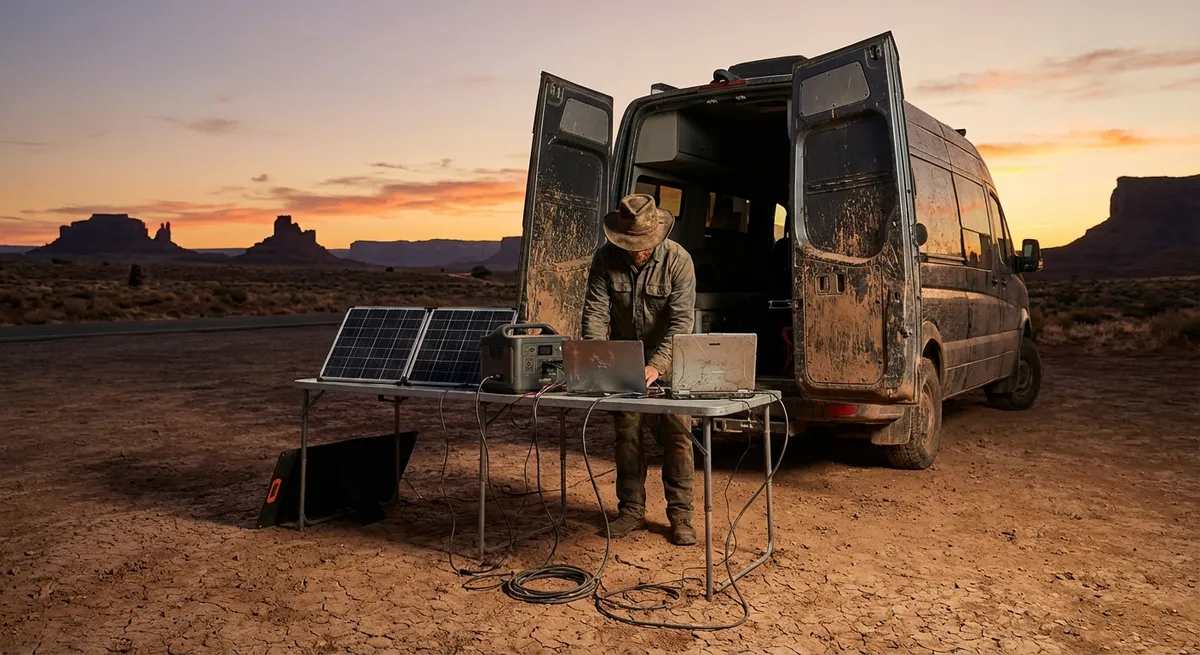
Most “digital nomad tools” lists are written from coworking spaces, not bus stations at 3 a.m. If you’re working from night trains, noisy hostels, intermittent power, and sketchy Wi‑Fi, you need tools that survive reality, not just look good in screenshots.
This isn’t about chasing every new app. It’s about building a small, reliable toolkit you know how to use under pressure—when your hotspot dies before a client call, or your laptop battery is the only thing between you and a missed deadline.
Below are five field-tested principles for choosing and using digital tools that actually work when your office keeps moving.
1. Choose Fewer Tools and Learn Them Deeply
Every extra app is another potential point of failure: another password to recover on bad hotel Wi‑Fi, another sync that breaks on a cheap SIM, another UI to relearn when you’re jet-lagged.
Aim for a lean “core stack” that you know inside out:
- One primary note system (e.g., Notion, Obsidian, or plain text in a synced folder).
- One file hub (Google Drive, OneDrive, or Dropbox—pick one and commit).
- One calendar that rules everything (Google Calendar or Outlook; avoid duplicates).
- One main communication channel per client/team (Slack, Teams, or just email).
What matters most is consistency and muscle memory. Know how to:
- Work fully offline in your tools.
- Export your data in standard formats (PDF, CSV, markdown, DOCX).
- Rebuild your setup from scratch on a new device in under an hour.
Before adding any new tool, ask: “What problem does this solve that my current setup truly can’t?” If the answer isn’t specific and painful, skip it.
2. Favor Offline-First Over Cloud-Only Convenience
Cloud tools are great—until you’re working from a café where the Wi‑Fi password is “ask to waiter” and the waiter is on break for an hour.
Wherever possible, choose tools that degrade gracefully without internet:
- Notes apps that sync but don’t require live connection.
- Email clients that can download mail locally so you can draft and queue replies offline.
- Cloud storage with selective offline folders for active projects.
- Media tools that let you download assets (decks, docs, brand kits) to your device.
Practical habits to make this work:
- Before travel days, pre-download: slides, contracts, offline map areas, key docs.
- Keep a small “critical files” folder mirrored on your laptop and phone.
- Set your phone maps to offline for any city you’re heading to, even “just in case.”
Think of the cloud as backup and sync, not as your only workspace. Your tools should make bad internet annoying, not career-ending.
3. Design Your Tools Around Power, Not Just Features
When you live on the road, electricity is a resource you manage, like time or money. Your digital tools should respect that.
A few power-conscious decisions go a long way:
- Prefer apps with lightweight desktop clients over heavy, always-syncing monsters.
- Use browsers that support aggressive resource control (tab sleeping, tracking protection).
- Keep a “low-power mode” workflow ready: fewer tabs, local docs, plain text, no video.
Organize your tools so you can still work on 15% battery:
- Keep important docs in PDF or offline formats that open quickly.
- Default to audio calls only when bandwidth or battery is tight—turn video on only when needed.
- Store long-term reference in the cloud, but keep this week’s projects locally.
Test your setup: once a month, work for half a day on low power, hotspot only, slow connection. Anything that feels painful in that scenario will fail you on a border crossing or a long bus ride.
4. Lock Down Security Without Slowing Yourself to a Crawl
On the road, your tools are constantly exposed: shared Wi‑Fi, random chargers, border checks, lost bags. Security has to be good—but also fast enough that you don’t start bypassing it out of frustration.
Build a realistic security base:
- Use a reputable password manager and enable two-factor authentication (2FA) on core accounts (email, banking, cloud storage, main work tools).
- Prefer app-based authenticators over SMS codes, which can fail when you switch SIMs or numbers.
- Turn on device encryption and use a proper lock screen on laptop, phone, and tablet.
Then, adapt it for nomad life:
- Keep backup 2FA methods (backup codes in a secure file, secondary device with authenticator).
- Store a minimal emergency document set securely (passport scan, visa, insurance, bank contact numbers) in encrypted storage accessible from multiple devices.
- When on public Wi‑Fi, assume someone is watching; avoid banking and sensitive logins unless you’re using a VPN you trust—and even then, be conservative.
Strong security that you actually use consistently beats “perfect” security you keep turning off because it’s a hassle between flights.
5. Build a Simple, Repeatable Backup Rhythm
Most nomads worry about theft; fewer worry about silent corruption, sync conflicts, or accidental deletion. But in practice, those are more common.
Your goal is not a perfect backup system. It’s a boring, repeatable one:
- Use one cloud storage provider as your primary archive.
- Set your main work folders to auto-sync, but keep a clear “Current” folder for active projects.
- Once a week, run a manual backup: copy essential folders to a small external SSD.
Add a couple of safety valves:
- Enable version history where available so you can roll back files.
- Keep your password manager database backed up and synced.
- Every few months, pretend your laptop was stolen and ask:
“What data would I cry about that I can’t restore in under 24 hours?”
Fix those gaps.
The best tools here are the ones you touch less, not more. Set them up, schedule your backups, and then let your future self sleep better in that noisy hostel.
Conclusion
Digital tools don’t make you a digital nomad; they just decide how painful the rough days will be.
You don’t need more apps. You need a tighter, tougher setup that:
- Works offline when Wi‑Fi disappears.
- Sips power when outlets are scarce.
- Protects you when things get lost, stolen, or corrupted.
- Can be rebuilt quickly when gear fails in the wrong country at the wrong time.
Think of your toolkit like a travel backpack: fewer items, better chosen, well-tested under real conditions. If you wouldn’t carry a gadget that only works in perfect weather, don’t build your work life around tools that only work on perfect internet.
Sources
- NIST Cybersecurity for Travelers - Practical U.S. government guidance on staying secure while using devices and networks on the road
- Google Workspace Offline Access Help - Official instructions for enabling and managing offline access to Google tools like Docs and Gmail
- Microsoft OneDrive Files On-Demand - Details on controlling local vs. cloud storage and offline availability in OneDrive
- EFF: Surveillance Self-Defense – Digital Security Tools and Tips - Electronic Frontier Foundation’s guide to choosing and using secure digital tools, especially when traveling
- National Cybersecurity Alliance – Data Backup Basics - Concise overview of backup best practices for individuals and remote workers
Key Takeaway
The most important thing to remember from this article is that this information can change how you think about Digital Tools.