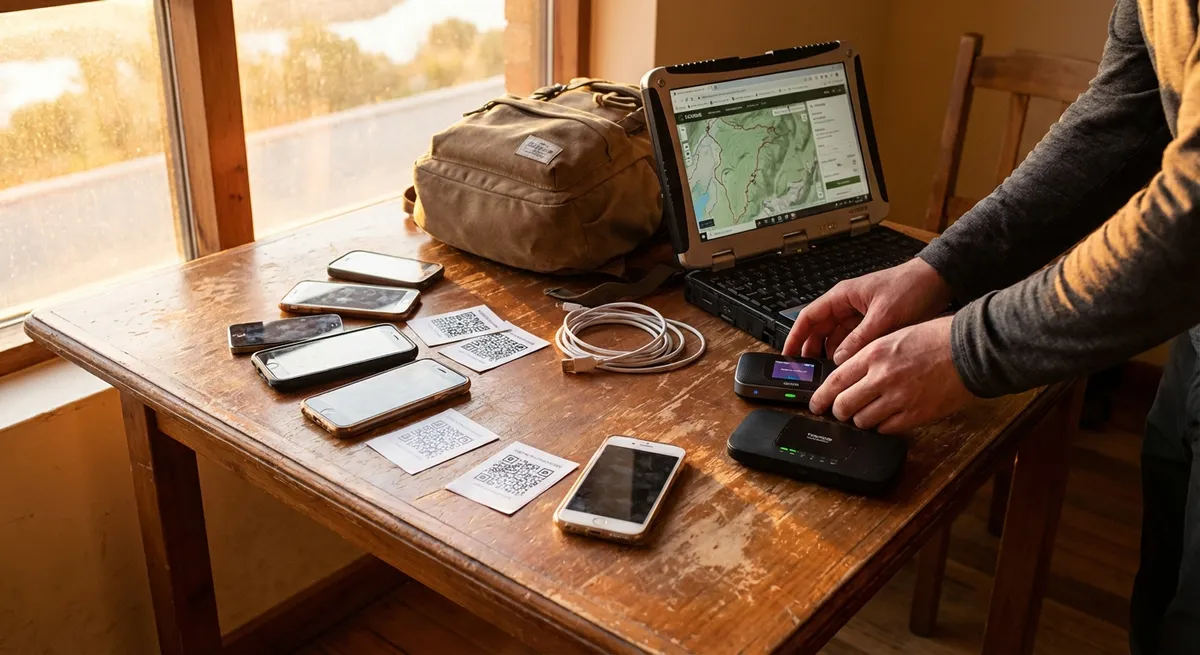
Most digital nomads don’t fail because they can’t find Wi‑Fi. They fail because their digital setup is a mess: too many apps, no clear system, and everything breaks the minute they cross a border. The goal isn’t to collect tools—it’s to build a lean, predictable setup that keeps working whether you’re in Lisbon, Lima, or a bus with barely enough signal to load text.
Below are five field-tested ways to choose and use digital tools so you spend less time fixing problems and more time doing actual work.
1. Choose “Boring” Tools That Don’t Surprise You
Shiny new apps are fun until you’re on deadline in a guesthouse with bad internet and a forced update breaks everything.
Prioritize boring, established tools that:
- Work on all your devices and major operating systems
- Have offline modes or graceful degradation when the connection drops
- Sync reliably without you babysitting them
- Are likely to still exist in five years
For writing and basic docs, that might mean Google Docs or Microsoft 365 instead of the latest minimalist note app. For messaging, WhatsApp or Slack instead of some niche “productivity-first” chat tool your team will hate.
Ask two questions before adding anything:
- “What does this replace?” If you can’t retire something, you’re adding clutter, not efficiency.
- “Will this still work on 1 bar of 3G?” If the answer is no, it’s a luxury, not infrastructure.
Build a small stack that feels dull but predictable. You can’t control airports, landlords, or border agents—but you can control how often your tooling surprises you.
2. Treat Your Laptop and Phone Like Critical Infrastructure
For a digital nomad, your laptop and phone are not gadgets—they’re life support. Losing one can cost you contracts, access to accounts, and days of scrambling.
Set them up like they matter:
- Full-disk encryption on laptop and phone (FileVault on macOS, BitLocker on Windows, built-in encryption on iOS/Android) so a stolen device is an inconvenience, not a disaster.
- Password manager (Bitwarden, 1Password, or similar) so your logins aren’t trapped in one device or your brain.
- Two-factor authentication (2FA) using an authenticator app, not just SMS, since your SIM card may change when you switch countries.
- Automated backups:
- Cloud backup for key work folders (Google Drive, Dropbox, OneDrive).
- Periodic offline backup on a small SSD you keep separate from your laptop bag.
Also, standardize your setup:
- Same folder structure on every device.
- Same naming conventions for projects and clients.
- A short checklist to rebuild your environment if your machine dies (must-have apps, links to installers, settings you always change).
The measure of a solid setup: if your laptop disappeared today, you’d be annoyed—but back to work within 24 hours on a new machine.
3. Build an Offline-First Workflow (Assume the Wi‑Fi Lies)
Every coworking space and Airbnb claims to have “fast Wi‑Fi.” Plenty of them are lying—or their router chokes when six people start Zoom calls.
Structure your tools and habits so you can keep moving when the internet doesn’t:
- Offline-capable apps:
- Docs and spreadsheets that sync when you reconnect.
- Note apps that work flawlessly offline.
- Password manager with local vault access.
- Download what you need ahead of time:
- Client briefs, key emails, contracts, tickets, and boarding passes.
- Reference material or documentation you’ll need for deep work sessions.
- Local copies of critical info:
- Passport scans, visas, insurance policies, and key ID documents in an encrypted folder on your devices.
- Emergency contacts, bank phone numbers, embassy info for your current country.
Train yourself to ask: “If the internet died for the next 8 hours, what would break?” Then adjust your tools until the answer is “Meetings… and not much else.”
4. Make Communication Tools Work With Your Time Zones, Not Against Them
Nomads burn out fast when every tool screams for attention 24/7. The problem isn’t time zones—it’s poorly configured communication.
Set up your tools to protect deep work and sleep:
- Calendar tools:
- Use a calendar that shows multiple time zones (yours + main client location).
- Lock in “no meeting” blocks in your local time and keep them sacred.
- Messaging hygiene:
- Turn off non-essential notifications on Slack/Teams/WhatsApp.
- Use status messages that actually help: “UTC+1 this month, best time: 9am–1pm UTC.”
- Split tools by purpose: one for clients, one for close team, one for personal. Don’t mix everything into one attention sink.
- Asynchronous-first setups:
- Record quick Loom or screen-share videos instead of trying to find overlapping hours for every discussion.
- Keep decisions in writing: task comments, tickets, or shared docs—so you don’t depend on being online at the same time.
Well-configured comms tools let you roam time zones without living on other people’s clocks.
5. Make Your Tools Replaceable So You’re Not Locked In
Vendors change pricing, countries block services, and tools get acquired or shut down. If your whole business depends on one proprietary platform, you’re one policy update away from chaos.
Design your stack so you can swap tools with minimal pain:
- Export-friendly: Choose tools that let you export your data in common formats (CSV, PDF, markdown, standard calendar formats).
- Avoid weird file types: If only one app can open your files, that’s risk, not convenience.
- Separate storage from apps:
- Store key files in generic cloud storage (Drive/Dropbox/OneDrive), not locked into one app’s internal system.
- For notes, favor tools that keep plain text/markdown or easy-to-export structures.
- Document your setup:
- A simple doc listing: core tools, what they do, how they connect, and what you’d use instead if one failed.
- This isn’t just for teams—future you in a crisis will thank current you.
The mindset: no single tool is sacred. Your system should survive if any one piece disappears overnight.
Conclusion
Digital tools should fade into the background, not run your day. As a nomad, you don’t need the perfect app stack—you need a small, boring, resilient one that keeps you earning even when the Wi‑Fi is trash, your flight is delayed, or your laptop gives up mid-trip.
Choose tools that:
- Are predictable, not flashy
- Treat your devices like critical infrastructure
- Work offline as a rule, not a bonus
- Respect time zones and focus
- Can be swapped out when the world changes under your feet
That’s the difference between constantly “setting things up” and quietly getting things done from almost anywhere.
Sources
- NIST: Data Encryption and Information Protection - Background on encryption and protecting sensitive data on devices
- Electronic Frontier Foundation: Surveillance Self-Defense - Practical guidance on secure passwords, 2FA, and protecting devices while traveling
- Google Workspace Offline Help - Official documentation on using Google Docs, Sheets, and Slides offline
- Microsoft OneDrive Sync and Backup Overview - Explanation of cloud backup and file syncing for remote work setups
- Harvard University Information Security: Securing Laptops and Mobile Devices - Best practices for securing devices that frequently move between locations
Key Takeaway
The most important thing to remember from this article is that this information can change how you think about Digital Tools.