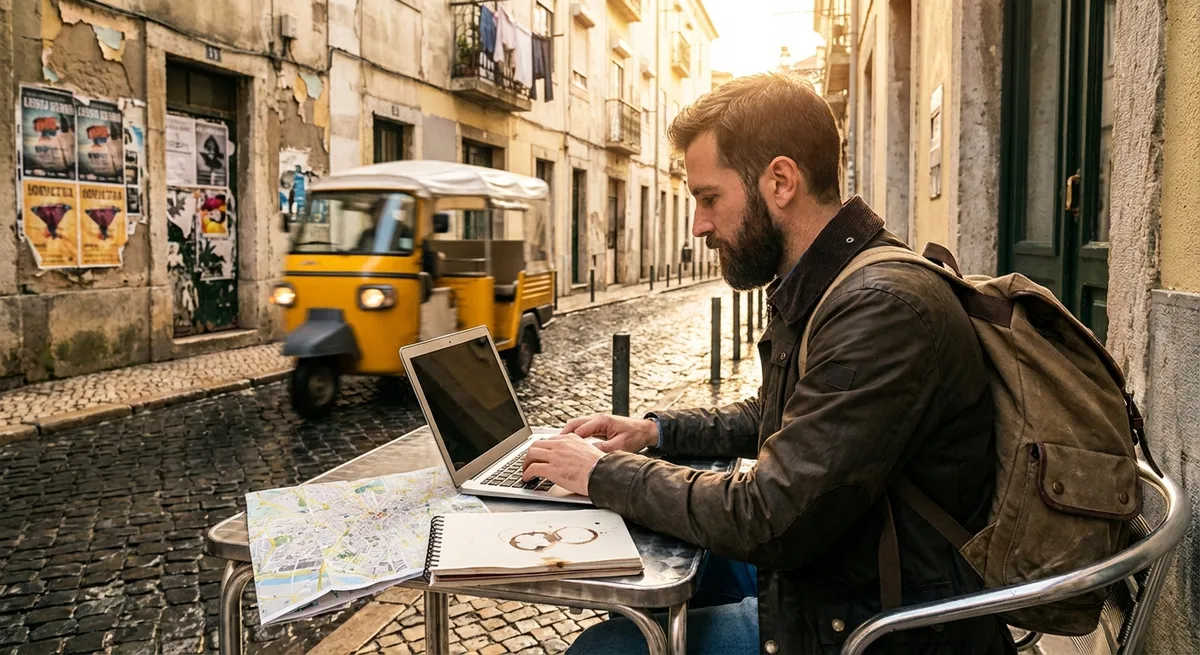
Remote work looks great in photos, but the road has its own rules. After a few missed flights, sketchy Airbnbs, and “Wi‑Fi included” lies, most nomads either get sharper or go home. This guide is about the sharper version—five essentials that actually hold up in real life, not just on Instagram.
Build a “First 24 Hours” Routine in Every New City
The first day in a new place is when most things go wrong: you’re tired, disoriented, and tempted to just wing it. That’s exactly when you need a fixed routine you repeat every single time you land somewhere new.
As soon as you arrive, drop your bags and walk the immediate area within a 10–15 minute radius. Find a backup café with decent seating and posted opening hours, plus a second‑choice spot in case the first is full or closed. Buy a local SIM or eSIM data plan that you’ve researched beforehand and test the connection speed on your phone and laptop, not just one device. Map the nearest 24/7 pharmacy, clinic, and supermarket, and save them in your map app for offline use. Do a quick safety sweep: where are the well‑lit streets, late‑night spots, and public transport hubs? Finally, test the Wi‑Fi at your accommodation with a speed test and a real work task (download a file, join a video call test) before you unpack completely. If it fails, you know you’re in “plan B mode” and can switch to your backup workspace fast.
Treat Internet Like Utilities, Not a Nice-to-Have
If you need to earn online, internet isn’t optional—it’s infrastructure. You wouldn’t rent an apartment without water or electricity, so stop booking places with vague “free Wi‑Fi” promises and no details.
Before you confirm any stay, ask for a screenshot of a speed test taken at the accommodation during your working hours. Ask whether the router is inside the unit or shared across multiple floors, whether there is a data cap, and if the landlord knows how to reboot or troubleshoot it. Bring your own travel router to create a stable personal network and repeat weak signals, and always have at least one backup connection: local SIM with hotspot, or an eSIM set up before you land. Keep essential tools available offline where possible: sync key documents, keep offline map areas downloaded, and have an offline password manager ready if your browser-based logins fail. And always assume a critical meeting will collide with a random outage—have an alternative work spot and connection you’ve already tested, not just “that café I walked by once.”
Choose Accommodation Like a Temporary Office, Not a Vacation Rental
Most digital nomads burn money and sanity by choosing places that look great for holidays but terrible for work. Your priorities as a worker on the move are different: you need a decent office before you need a rooftop pool.
Look closely at listing photos: is there an actual table with a chair that has a backrest, or just bar stools and couches? Check for power outlets near the workspace, not across the room where you’ll be stretching cables. Favor places with solid doors and proper walls over open lofts if you take calls—echo and background noise can kill your client’s confidence fast. Cross‑check the address on a map: are you next to a nightclub, a busy highway, or a mosque with pre‑dawn calls to prayer if you’re working US hours from Asia? Message hosts directly with specific questions: “Is the desk and chair in the photos exactly what will be in the apartment?” and “Are there any construction works in or near the building?” If hosts get vague or annoyed by detailed questions, that’s a red flag; someone who works with medium- to long‑term renters should understand what you’re doing and answer clearly.
Stabilize Your Work Hours Before You Chase Experiences
Constantly shifting your schedule to “fit the city” is how you end up doing everything badly: tired work, half‑hearted sightseeing, and shallow connections. A sustainable nomad rhythm usually starts with stable work hours and then layers local life around them.
Before you even book a city, check the time zone difference with your main clients or employer and map out what your workday will actually look like. If it means calls at 2 a.m. several days a week, that might be fine for a short trip but miserable as a lifestyle. Once you commit to a time window—say 9 a.m.–5 p.m. local, or 2 p.m.–10 p.m.—protect it like you would in your home city. Book tours, train rides, and social plans around that block, not inside it. Use a shared calendar with your team or clients in their time zone, and label your availability clearly. Over time, stick to a consistent pattern: for example, “deep work” first 3 hours, calls in the middle block, admin and light work last. That rhythm makes you more predictable and reliable, which buys you more trust and flexibility when you inevitably need an odd travel day or schedule change.
Build a “Travel Mode” and “Work Mode” Gear Setup
Nomads often drag too much stuff or the wrong stuff—then still feel unprepared. The trick isn’t just packing light, it’s packing in modes: what you need for transit days vs. what you need for solid work days.
In “travel mode,” anything you can’t afford to lose or be separated from goes in your personal item, not checked luggage: laptop, chargers, a small power strip, universal adapter, passport, one change of clothes, basic toiletries, and any prescription meds. Add a compact battery pack that’s airline‑approved and a short extension cable—many airports and stations still have awkwardly placed outlets. In “work mode,” have a minimal but complete desk kit: laptop stand or foldable riser, external mouse or trackpad, noise‑isolating headphones with a decent mic, and a simple cable pouch with every adapter you routinely need. Keep digital backups equally organized: passwords in a secure manager, cloud backups of critical files, and a simple note with key account recovery info stored offline. The goal is simple: if your checked bag disappears or your Airbnb isn’t ideal, you can still perform at 90% with what’s in your backpack.
Conclusion
Digital nomad life isn’t about hacking airline points and finding the prettiest coworking space. It’s about making hundreds of small, practical decisions that keep you earning, moving, and healthy over the long haul. A repeatable first‑day routine, serious internet standards, office‑grade accommodation choices, stable work hours, and a “mode-based” gear setup will quietly take you further than any flashy destination ever will.
The road rewards people who prepare like professionals and adapt like locals. If you treat your nomad life like a real operation—not an endless vacation—you’ll last longer, work better, and actually enjoy the freedom you’re out here for.
Sources
- U.S. Federal Communications Commission – Broadband Speed Guide - Baseline guidance on what internet speeds you realistically need for video calls and remote work
- CDC Traveler’s Health - Country-specific health, vaccination, and safety information useful for planning longer work stays
- U.S. Department of State – Country Information - Official travel advisories and safety considerations by destination
- Harvard Business Review – How to Work From Anywhere - Research-backed discussion of remote work structures and routines that apply directly to nomad life
- Nomad List - Crowd-sourced cost of living, internet speed, safety, and quality-of-life data for popular digital nomad destinations
Key Takeaway
The most important thing to remember from this article is that this information can change how you think about Travel Tips.